Here are the new features in version 2.19.0.
Would you like to learn more about TAG Application and get more information?

Calendar – New quick filter for tasks completed late
The “Grid” view of the Calendar is a valuable tool: seeing and managing all deadlines in a convenient table is a working method that is both simple and effective.
Until now it was possible to instantly filter all expired tasks and those about to expire, with the respective table rows highlighted in red and yellow.
With the new release, an additional option arrives: the ability to immediately identify tasks completed late!
By including closed tasks in the grid, it will be possible to activate the “Completed late” button to filter all tasks completed after their planned end date, highlighting the respective table rows in orange.
This allows you to identify and manage not only open deadlines, but also those closed late.
(fig 1.0)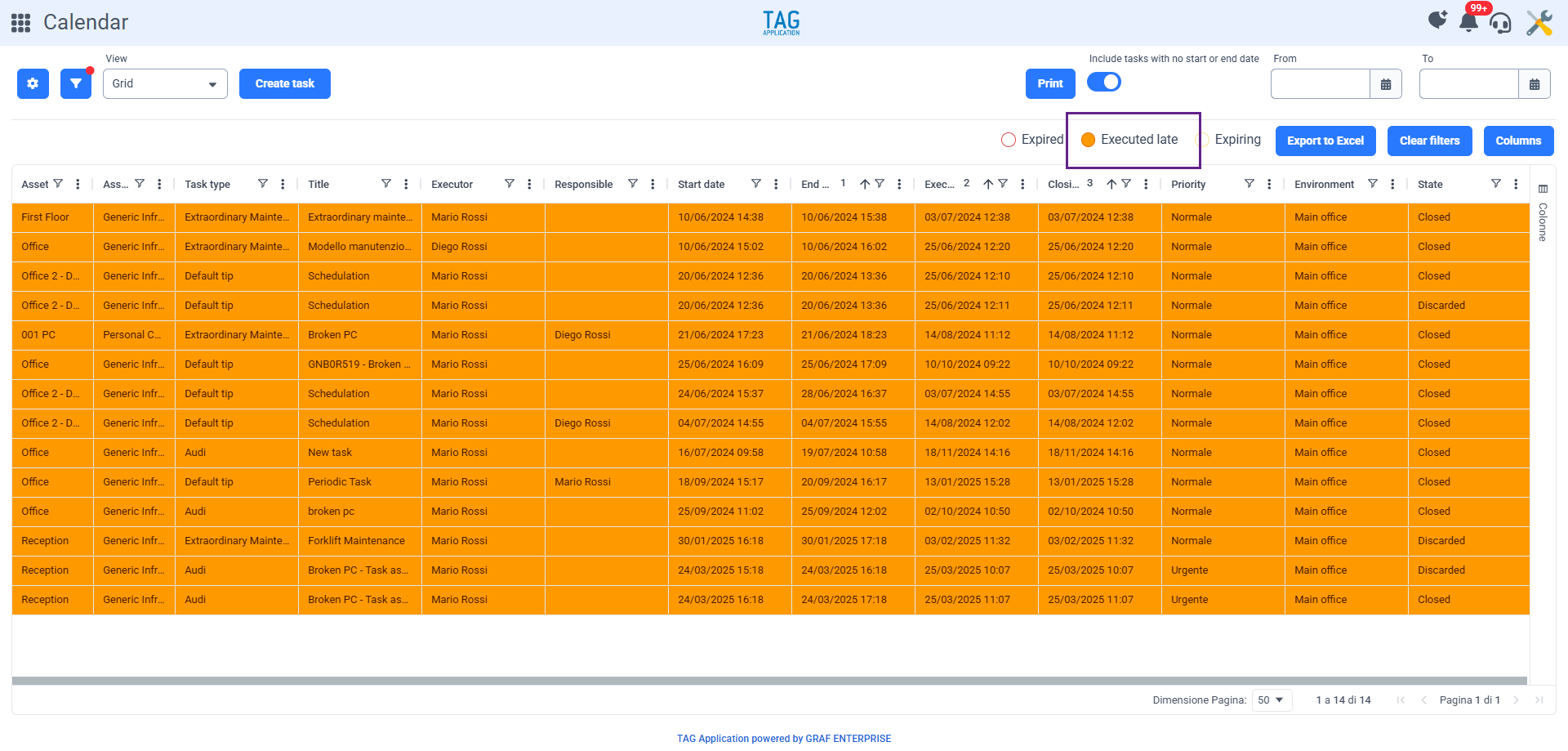

Planner – Redesign of the “Shared Tasks” container
The Planner module is well known as the perfect module to manage tasks while always having the workload of each operator and workgroup at hand. But what to do with the “vacant” tasks? That is, tasks created, to be planned, but whose executor is not yet known?
For this, there is a specific container, revamped and enhanced in this version, which can be easily used as a kind of “Board”. A space always highlighted, dedicated precisely to all those tasks waiting for assignment. The tasks placed in this container, being visible to all users based on the respective hierarchy in the different groups they appear in, give it its name. This is indeed called “Shared Tasks” and is always front and center, right at the top left of the Planner module.
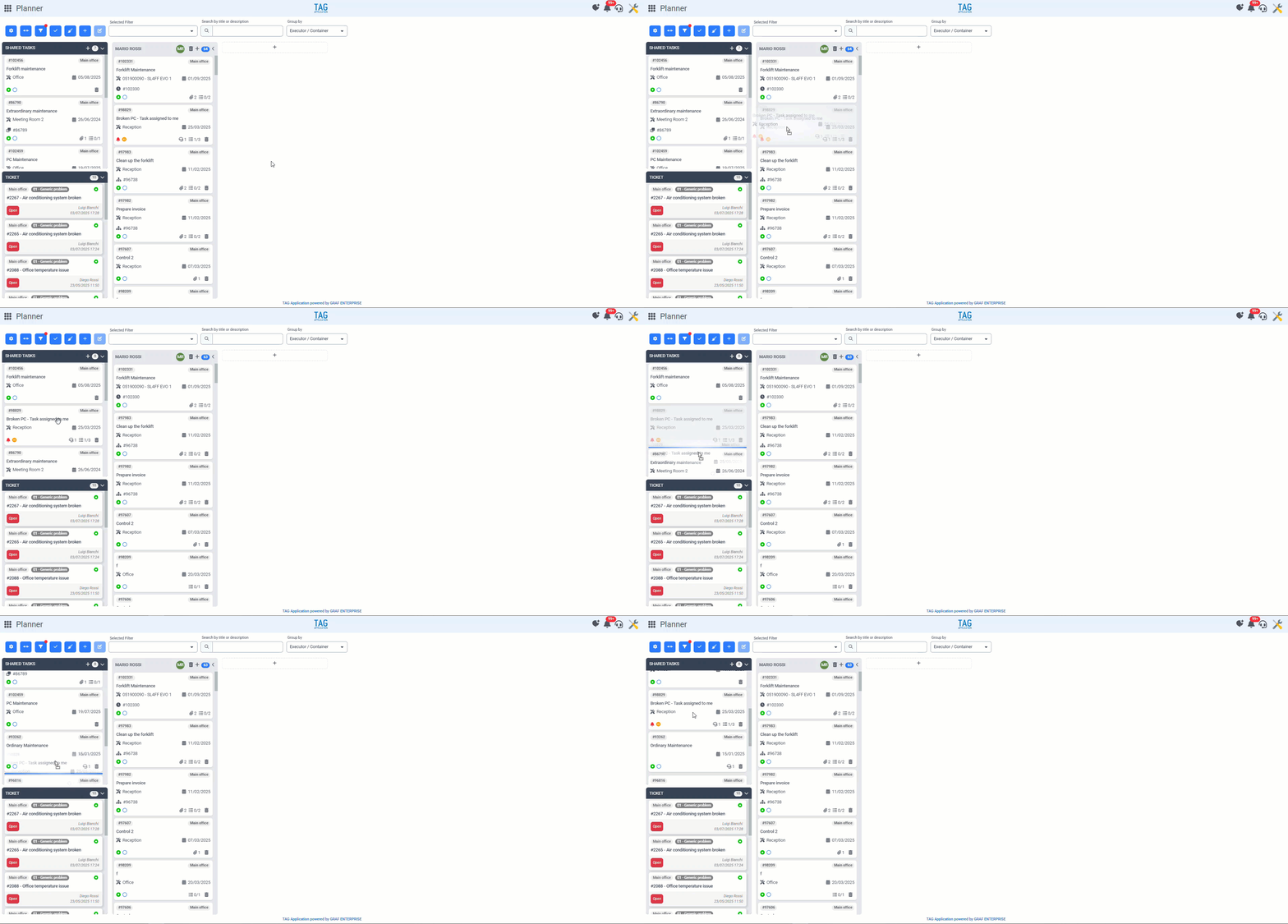
With the new version, besides the name change, the shared tasks container will undergo a significant enhancement: although the tasks inside are visible to multiple people based on their role, the sorting of these tasks will be different and personal according to each user’s preferences. By rearranging tasks with “Drag&Drop,” the order will change only for the user making the modifications, without affecting others’ views. This allows for organized and personal management without giving up shared visualization.
(fig 2.0)