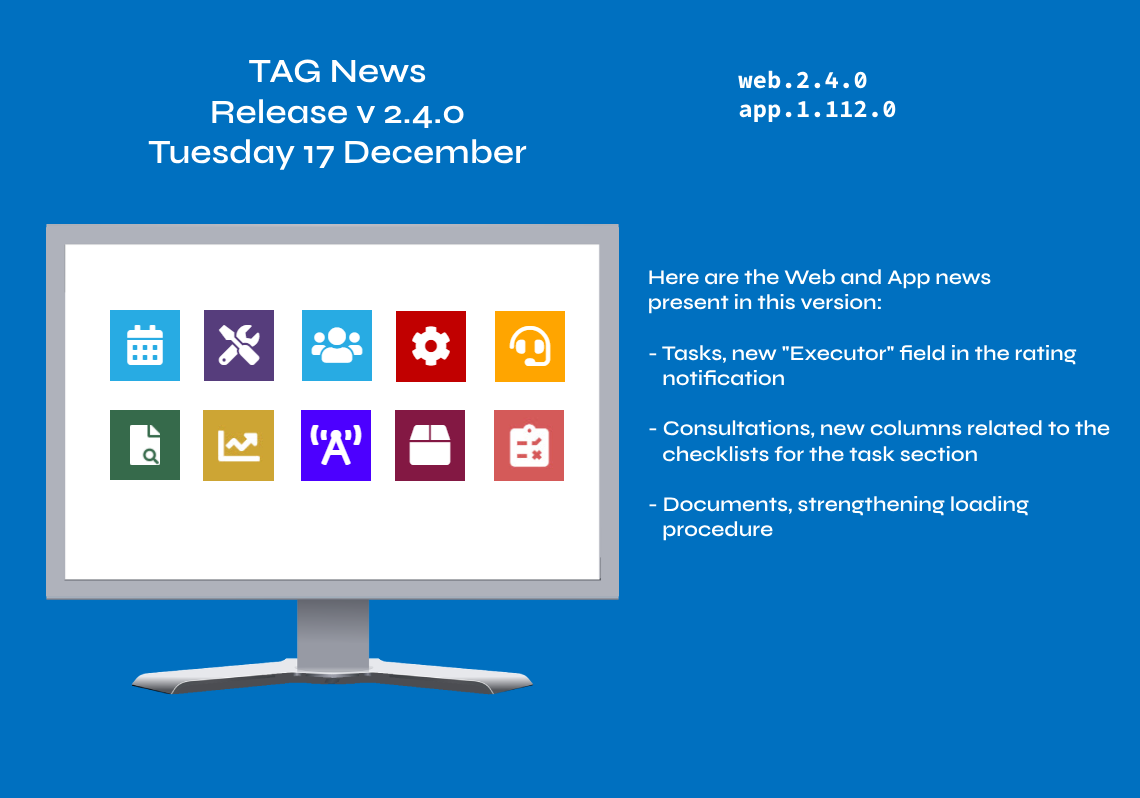
Here are the news in version 2.4.0
Web Updates [v. 2.4.0]

The system’s evaluations are a very useful feature: they allow users to measure their level of satisfaction with the activities carried out, to mediate judgements and to act promptly accordingly.
Tasks often refer to non-trivial interventions, which last over time, so it is necessary to follow a checklist to be hesitated “Step by step”.
In addition to developing new functionalities, the TAG Application team also regularly maintains the system by strengthening and enhancing existing modules and entities.
For the very purpose of a rapid response, automatic notifications are essential when an assessment is entered. Receiving information immediately is important, but surely just as important is that this information is timely, useful to understand in a moment what has been done, how it was evaluated and by whom.
For this reason, starting with the new version, the notification template will be enriched with the fundamental field “Executor”, necessary to understand not only what the valued asset is about, but also who carried it out.
Therefore, after the evaluation of an activity, the notification addressed to the executor will now contain:
– ID, Title, Description, Environment and Executor (of the valued task).
–

Consultations – new columns related to the checklists for the task section
Understanding where these tasks are is very simple and quick by going into detail, but maybe it could be less fast if you want to do a general search, without the need to display all the information of each checklist…
Thus, in the Consultations module, in the task section, two new columns relating to the checklists have been implemented. Two columns that allow you to understand in a moment how many checklists an activity has and, of these, how many have been completed.
By extracting “Checklist number” and “Completed checklist number” from the list of hidden columns, it will be very easy to see the number of checklists created, and completed, for any activity searched.
Being in the consultations, moreover, the list of complete tasks of the columns on the progress of the works can also be exported to Excel through the dedicated button, allowing the immediate sharing of the file if the user deems it appropriate.
(fig 1.0)
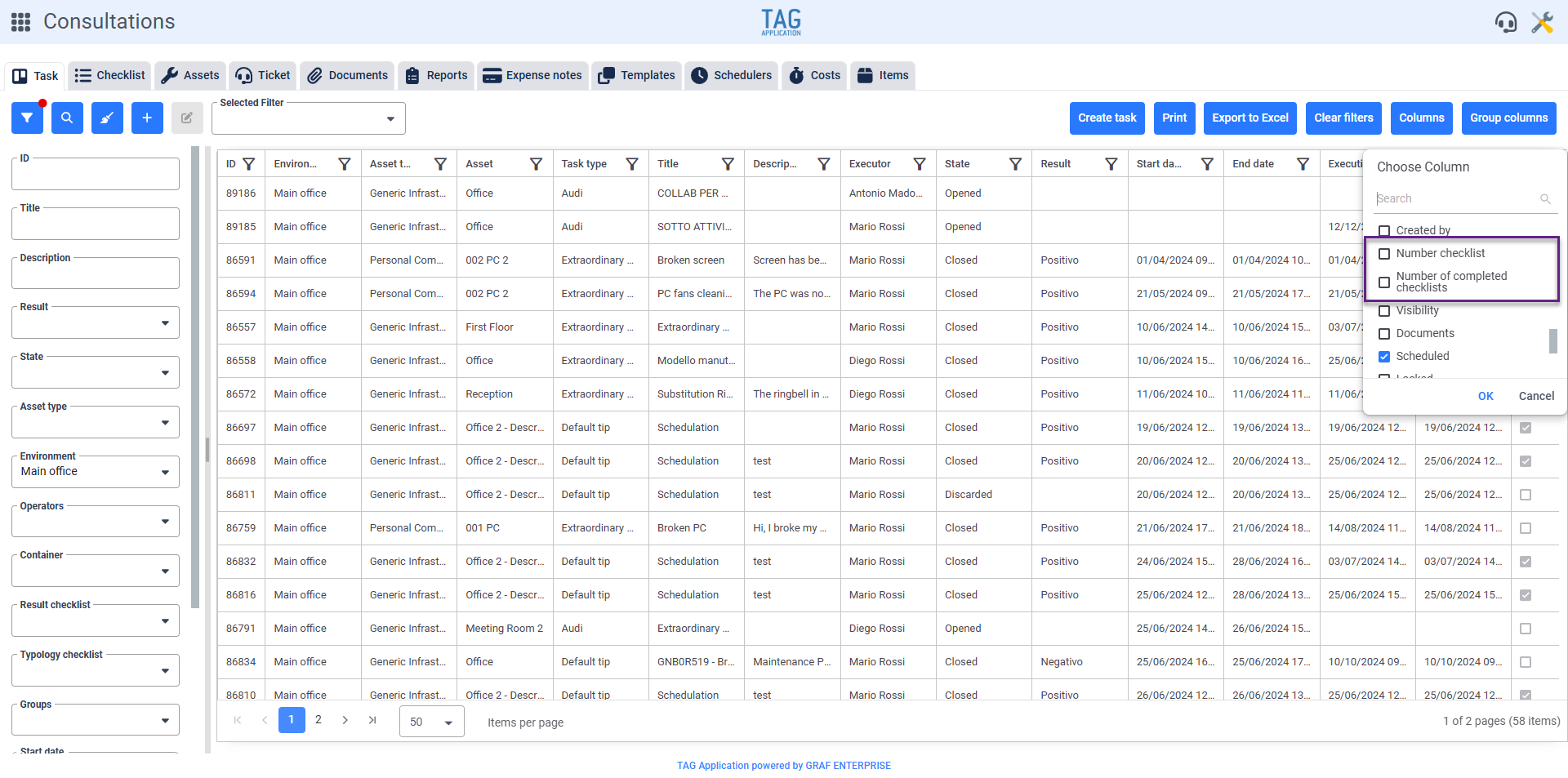 (fig. 1.0)

Documents – Strengthening loading procedure
About strengthening, with the new update is coming an important one regarding documents, specifically regarding the loading procedure.About strengthening, with the new update is coming an important one regarding documents, specifically regarding the loading procedure.
Optimizing the document loading procedure was essential to preserve the integrity of documents, ensuring their correct saving even in special situations related to events not dependent on the platform, as the sudden lack of connection or corruption of files during upload.
By new procedures and control mechanisms the flow has been enhanced, allowing users to upload documents without the risk of losing them even in remote cases.